
Best Property Management Apps for Independent Landlords 2026
This guide helps independent landlords choose 2026 property-management apps by focusing on maintenance tracking, contractor coordination, tenant communication and rent collection, and notes AI platforms like Casalink are raising the bar.
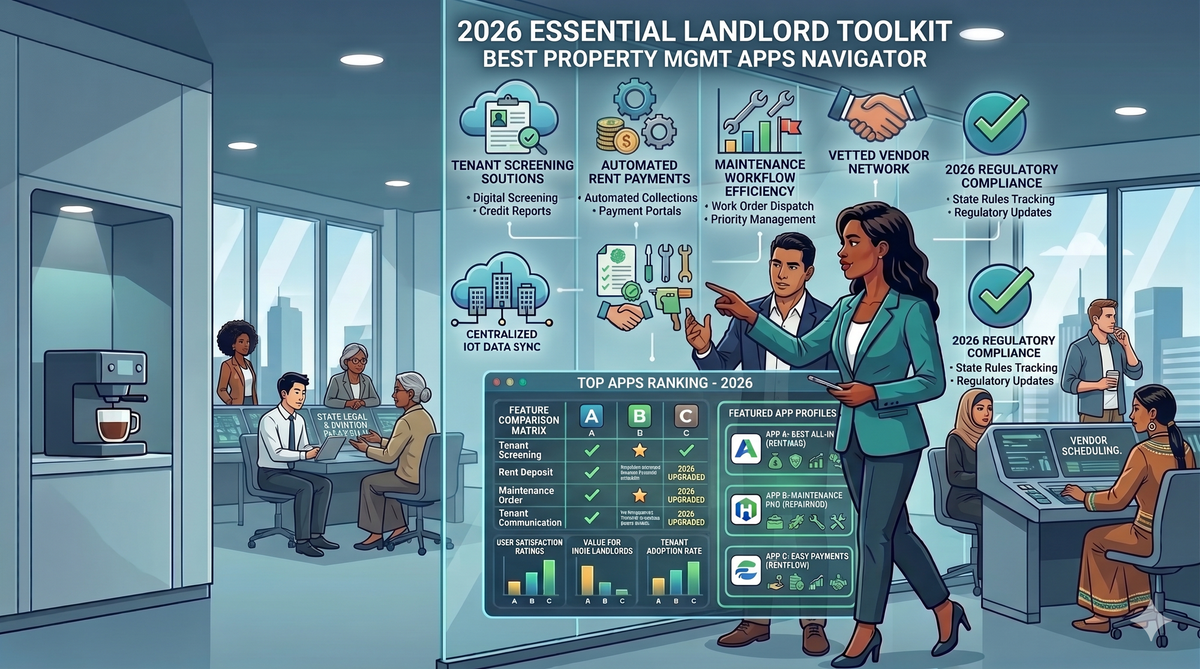
What is the best property management app for independent landlords in 2026? It's a fair question, and the answer isn't one-size-fits-all. Most property management apps are built for companies running 50+ units with a dedicated maintenance coordinator and a bookkeeper on staff. If you're managing two duplexes and a single-family home on the side, half the features don't apply to you and the pricing assumes a volume you'll never hit. The frustration is real, and it's been the status quo for years.
In 2026, that's starting to change. A new wave of landlord software, including AI-powered platforms like Casalink, has raised the bar for what independent landlords can actually expect from a tool. The market is still crowded and confusing, but the right options are there if you know what to filter for.
This guide cuts through the noise. You'll find a breakdown of free versus paid options, what the pricing structures actually mean for your wallet, where each app falls short, and a clear decision framework so you leave knowing exactly which rental property app fits your portfolio size and management style.
What Independent Landlords Actually Need in a Property Management App
Before comparing apps, you need an evaluation framework. The four features that matter most for small portfolios are maintenance request tracking, contractor coordination, tenant communication, and rent collection. These aren't equal in weight, though. Rent collection is table stakes at this point, almost every app on this list handles it adequately. Contractor coordination is where most independent landlords bleed money, and it's where software selection actually makes a financial difference.
Tenant screening and accounting integrations are useful, but they're bonuses at the 1, 10 unit scale, not dealbreakers. You can screen tenants manually or pay a one-time screening fee. You can export a spreadsheet to your accountant once a year. What you can't easily recover from is a contractor who overbilled you for work that was never finished.
Why Pricing Structure Matters More Than the Monthly Fee
"Free" apps often charge tenants ACH or credit card fees instead of billing the landlord directly. For a landlord with three units, a $149/year paid tool might actually cost less than a "free" app charging your tenants $2, $5 per payment each month. Those fees add up fast, and depending on your lease terms, they can become a point of friction with tenants.
Per-unit pricing, flat monthly fees, and tenant-paid transaction fees each suit different portfolio sizes. Before comparing any two platforms on price, calculate your total annual cost under each model based on your actual unit count and how often your tenants pay electronically. The number on the pricing page is rarely the number you'll actually spend.
The Best Free Apps for Small Landlord Portfolios in 2026
TurboTenant and Innago: The Zero-Cost Workhorses
For landlords managing 1, 5 units who want to start without a monthly bill, TurboTenant and Innago are the most practical starting points. TurboTenant offers a free basic plan and a Pro plan at $149/year, handles rent collection, basic maintenance tracking, and tenant screening, and holds a 4.4/5 rating on Trustpilot. Innago runs its core platform entirely free for landlords and offsets that model through tenant-paid fees on payment processing. Both cover the rental life cycle fundamentals without requiring a credit card to get started.
TurboTenant's free tier allows unlimited rentals, which is a genuine advantage over platforms that cap unit counts on free plans. Innago's model works cleanly as long as your tenants understand upfront that processing fees apply to electronic payments. Neither platform will impress you with deep contractor management tools, but for basic organization and rent collection, they're hard to beat at the price.
Avail and Landlord Studio: Free Tiers With Useful Upgrade Paths
Avail's free plan covers core management well, but it has no dedicated mobile app. That's a real limitation if you handle maintenance requests and tenant communication from your phone, which most independent landlords do. The paid Plus tier runs $9/unit/month and unlocks more complete features, but you're essentially paying to compensate for what the free tier lacks. Landlord Studio is free for up to 3 units and earns a 4.9/5 rating for its financial tracking focus; the paid plan starts at $12/month and adds meaningful functionality without jumping to enterprise-level pricing.
What "Free" Actually Costs You in the Long Run
The hidden trade-offs with free tools are consistent: limited maintenance workflow depth, no contractor accountability layer, and feature walls that appear exactly when you need them most. You can manage 2 units on a free plan indefinitely, but the moment you have a contractor dispute, a maintenance emergency, or a tenant who needs a detailed repair history, you'll hit the ceiling. Free tools are a starting point, not a permanent solution for landlords who take their portfolios seriously.
Paid Platforms Worth the Monthly Fee as Your Portfolio Grows
DoorLoop: A Solid All-in-One Option for 6, 10 Units
DoorLoop starts at $69/month for its starter plan and positions itself as a strong all-in-one option for landlords who've outgrown free tools. Free ACH payments, direct QuickBooks Online sync, built-in tenant screening, and a 4.8/5 app rating from nearly 700 reviews make it a consistent recommendation for small-portfolio landlords who want one platform to handle operations without patching together multiple tools. If you're tired of switching between your spreadsheet, your email, and a separate screening service, DoorLoop closes that gap cleanly.
The starter plan does have a unit limit, so confirm the current cap against your portfolio size before committing. For most independent landlords in the 6, 10 unit range, the starter tier covers what you need without requiring an upgrade.
TenantCloud and Hemlane: Solid Alternatives With Different Strengths
TenantCloud holds a 4.3/5 rating from 400+ reviews and is more affordable than DoorLoop, but users consistently flag two problems: payment processing can take up to seven days, and the dashboard navigation is confusing. If cash flow timing matters to you, a week-long delay on rent payments is a real operational issue, not a minor inconvenience. Hemlane scores higher at 4.8/5 from 200+ reviews and stands out for its maintenance coordination features, which include local agent access and more hands-off repair management. The trade-off is that pricing can be a barrier for landlords with very small portfolios. Both are reasonable second-tier options rather than top picks for independent landlords.
A Quick Pricing Comparison at a Glance
| Platform | Starting price | Unit limit | ACH fee | Standout feature |
|---|---|---|---|---|
| DoorLoop | $69/month | Up to 10 units (starter) | Free | QuickBooks Online sync |
| TenantCloud | Lower than DoorLoop | Scales by plan | Included | Affordable entry point |
| Hemlane | Higher for small portfolios | Flexible | Included | Maintenance coordination + local agents |
| Avail Plus | $9/unit/month | Unlimited | Tenant-paid | Lease e-signatures and templates |
| Landlord Studio | $12/month | Free for 3; paid for more | Varies | Financial tracking and tax reports |
For a deeper breakdown of how different pricing structures impact small portfolios, see Pricing for Property Management Software | Casalink.
The Contractor Problem Every Other App Completely Ignores
Why Contractor Accountability Is the Biggest Blind Spot in Landlord Software
Here's a scenario every independent landlord has lived through at least once: a contractor says the job is done, you release payment, and three weeks later your tenant is still complaining about the same leaking pipe. The contractor is unreachable. The invoice is already paid. You have no documentation beyond a text message. Generic property management platforms handle maintenance request intake reasonably well, but none of them verify that the work actually happened before money changes hands.
Duplicate invoices, inflated quotes, and unverified work completion cost independent landlords thousands of dollars every year. The most common schemes targeting small residential portfolios include deposit theft, billing for work never performed, lowball bids followed by endless change orders, and ghost work where a contractor takes payment and disappears. These aren't edge cases. They're routine risks for any landlord who can't be on-site for every repair.
How Casalink's AI Verification Layer Closes That Gap
Casalink is built specifically around this trust problem. Its AI photo verification layer scans contractor-submitted images against the original repair request before any payment is approved. The system checks GPS metadata, compares submitted photos to the documented job scope, and flags mismatches for manual review rather than automatically releasing funds. No generic landlord app offers this. Every job gets a complete audit trail, quotes, photos, AI scan results, and invoices, all in one place. See a side-by-side comparison at Casalink vs AppFolio, Buildium, Yardi Breeze & DoorLoop, AI Property Management (US) | Casalink to understand how the verification layer differentiates the platform.
The real-world result backs this up. Over 1,200 property owners across 8 countries using Casalink have collectively prevented $2.4 million in fraudulent or unverified contractor claims. That figure reflects the financial outcome of closing the gap between a contractor claiming a job is done and an owner actually knowing it is.
Who This Matters Most For
This feature is most critical for remote landlords who can't physically inspect completed work and landlords in high-turnover markets dealing with frequent repairs. It's also a strong fit for anyone who has been burned by a contractor before. Casalink's offline-capable mobile app makes it practical for properties in areas with inconsistent connectivity, useful for rural portfolios or markets where cell coverage is unreliable. The platform runs on iOS and Android, syncs automatically when reconnected, and supports role-based access for owners, managers, tenants, and contractors.
How to Pick the Best Property Management App for Your Situation
If You Manage 1, 3 Units
Start with TurboTenant or Innago at zero cost and add Landlord Studio if financial tracking and expense categorization are priorities. Avoid paying for features you won't use at this scale, the economics don't justify it yet. The exception: if contractor accountability is already a pain point, Casalink is worth evaluating from unit one. One bad contractor payment can cost more than a year of software fees.
If You Manage 4, 10 Units
You've likely hit the ceiling of free tools. DoorLoop at $69/month covers the core operations gap cleanly and handles accounting, screening, and rent collection in one place. If contractor fraud or unverified repair work is a recurring problem, Casalink's verification layer is the differentiated choice, no other platform in this category offers it. Consider running a 30-day DoorLoop trial and a Casalink pilot simultaneously to see where each one actually saves you time in your specific workflow.
Three Questions That Make the Decision Easier
Walk through these before you sign up for anything. Do you need a QuickBooks sync? If yes, DoorLoop is your clearest path. Are you managing contractors remotely or without the ability to inspect completed work? If yes, Casalink solves a problem the other platforms don't address. Have you ever paid for work that wasn't actually completed? If so, that's your signal: the maintenance trust gap is your biggest financial risk, and a tool that doesn't close it is leaving money on the table regardless of what else it does well.
Choose Based on What You'll Actually Use Every Day
So what is the best property management app for independent landlords in 2026? The honest answer is that it depends on your portfolio size, whether you're managing remotely, and how much contractor accountability matters to your operation. For rent collection and basic organization, free landlord apps like TurboTenant and Innago cover the fundamentals well. For landlords scaling to 6, 10 units or dealing with contractor reliability issues, paid platforms earn their fee.
For anyone who has ever released a payment without being certain the work was actually done, Casalink solves a problem the rest of the market hasn't addressed. That's not a feature on a comparison table, it's a fundamentally different approach to where independent landlords actually lose money.
Run a free trial before committing to anything. Check whether the app's mobile experience works for how you actually manage properties day to day. Prioritize the features you'll use every week over the ones that look impressive in a product demo. The best property management app for independent landlords is the one you'll actually open when a tenant texts you at 7pm about a broken furnace.